
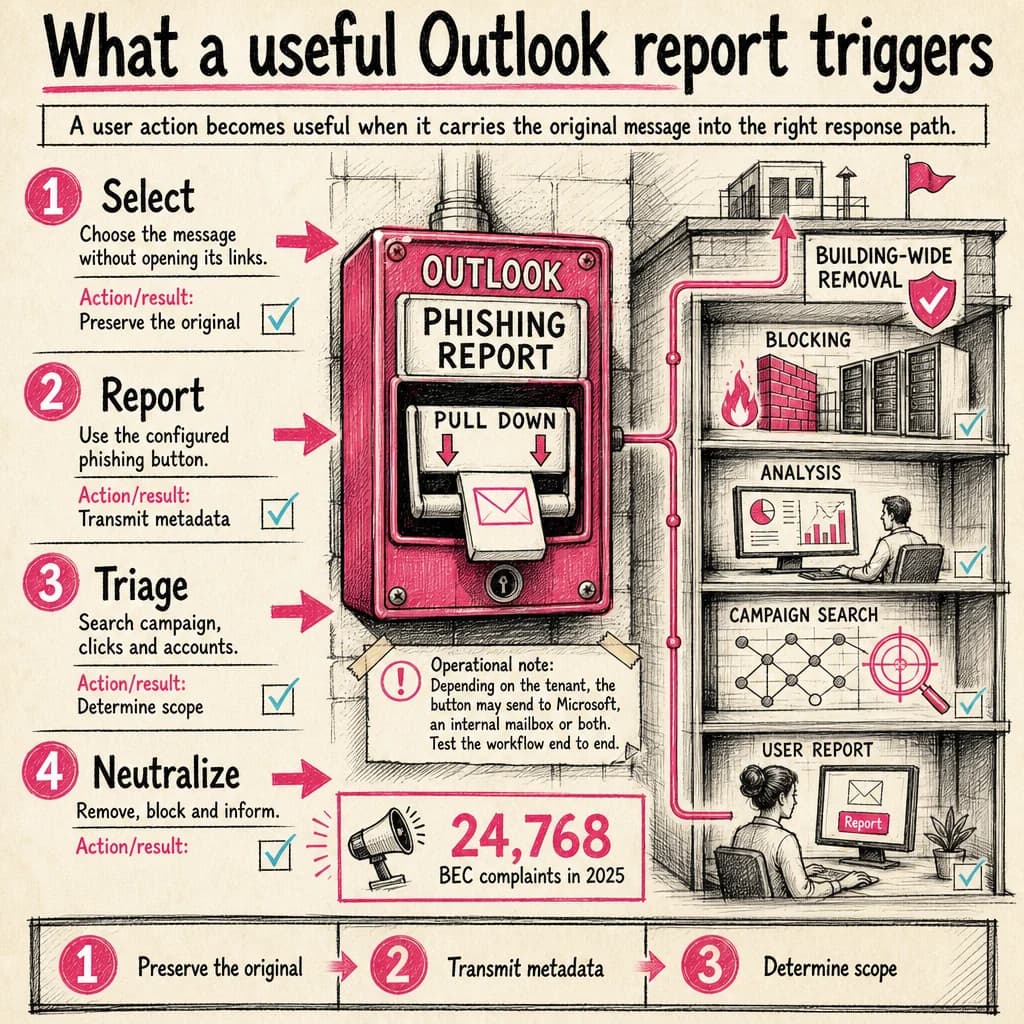
In a supported Outlook version, select the message, choose Report, then Report phishing. Microsoft 365 configuration determines whether it is sent to Microsoft, an internal reporting mailbox or both.
BEC complaints in 2025
The FBI received 24,768 Business Email Compromise complaints, with more than $3.0 billion in reported losses. This measures reports received, not every attack that occurred.
FBI — 2025 Internet Crime ReportThe user action
Do not open a link or attachment to confirm your suspicion. Select the message and use the built-in reporting control. If it is missing, follow the internal escalation path without losing headers.
If you interacted, say exactly whether you clicked, entered a secret, approved MFA, downloaded or executed a file. The button alone is not enough after interaction.
Configure reporting in Microsoft 365
Administrators choose whether reports go to Microsoft, a designated mailbox or both. Verify user-reported-message settings, mailbox permissions and SOC access to the submissions queue.
Test Windows, web, mobile and shared mailboxes actually in use. A hidden or broken path results in incomplete reports.
Turn the email into an investigation
Preserve headers, extract indicators and find similar messages. Correlate clicks, downloads and authentication with identity and endpoint telemetry.
Classify delivery, click, identity compromise and execution separately. Remove copies, block confirmed infrastructure and inform affected recipients.
Measure the full loop
Track reporting delay, triage delay, recipient coverage and removal time. Give the reporter a clear response; feedback encourages early reporting and reduces duplicate escalation.
- Button available
- Destination configured
- SOC queue monitored
- Campaign hunted
- Reporter receives feedback
Operational decision matrix
| Stage | Question to resolve | Expected outcome |
|---|---|---|
| Select | Choose the message without opening its links. | Preserve the original |
| Report | Use the configured phishing button. | Transmit metadata |
| Triage | Search campaign, clicks and accounts. | Determine scope |
Configuration to verify
Depending on the tenant, the button may send to Microsoft, an internal mailbox or both. Test the workflow end to end.
The right control level depends on context, exposed assets and business impact: document assumptions, measure the outcome and reassess after every material change.
Turn uncertainty into a structured investigation
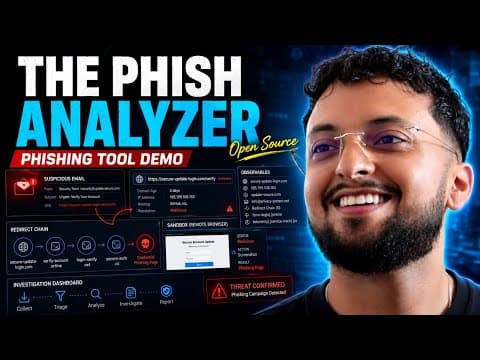
The Phish Analyzer brings suspicious-email triage, indicator extraction and the investigation pivots a security analyst or SOC team needs into one workbench.
- Import and parse RFC822 or EML messages: headers, authentication, URLs, domains, addresses and attachments.
- Investigate URLs, domains and files with configurable OSINT enrichment and reputation signals.
- Open links in an isolated remote browser, preserving screenshots and traces as case evidence.
 Watch the full demonstration
Frequently asked questions
Where is the Report button in Outlook?
In supported clients, select the message and use Report. Its location and availability depend on version and configuration.
Does the email automatically reach the SOC?
Only if the organization configured that destination. It may go to Microsoft, an internal mailbox or both.
What if I entered my password?
Contact support or the SOC immediately, change it from a clean device and revoke sessions under the response process.
Official sources
Achraf Hachimi
CISSP-certified Senior SOC / CSIRT Engineer specializing in Incident Response, Threat Hunting and Detection Engineering. Eight years of experience in critical environments with Splunk ES, Microsoft Defender XDR, SentinelOne and Cybereason.